Personal AI assistants now handle email drafts, schedule planning, code review, and home automation. Choosing one is harder because every vendor ships weekly updates. We tested them side by side for daily personal use. We looked at pricing, free-tier limits, context windows, Google and Microsoft integrations, and coding quality. The LMSYS Chatbot Arena leaderboard gives a real view of model quality. But model quality only matters if it fits how you work. This guide ranks the five assistants we actually used for personal tasks. We ignored enterprise features. The goal is to tell you which tool to pay for in 2026.
ChatGPT and Claude are close for prose. ChatGPT is more general. Claude is better at long documents and careful reasoning. We compared them in our ChatGPT vs Claude article. If you write blog posts, emails, or reports, check best AI for writing before you commit. For Google-heavy users, Gemini undercuts on price and ties into Gmail and Calendar. We covered that in ChatGPT vs Gemini. The free tiers alone can replace many paid tools. Benchmarks show Claude and GPT-4o trading places week to week. You cannot go wrong paying for either. But the right choice depends on where your data lives. That is the core question. We spell it out below.
Not everyone needs a chat box. Cursor is an AI code editor that acts like a personal developer. n8n handles automation without code. We use both for different days. If you want a free AI agent to test workflows, read our best free AI agent roundup. For home and personal use, our for personal use guide covers narrower picks. The main takeaway: no single assistant wins every job in 2026. Some tasks need a chat interface. Other tasks need a scheduler or a code editor. That is why we included five tools instead of three. Each solves a different problem well.
We tracked concrete limits. The free tier caps you at a 32K context window on Gemini. Claude Pro offers 200K context. ChatGPT Plus holds 128K. Cursor Pro costs $20 per month and gives access to GPT-4o and Claude models. n8n cloud starts at €20 per month for 5 active workflows. Those numbers matter more than benchmark bragging. A huge context window helps you paste long PDFs. A low free limit changes daily usage. We verified these limits on vendor pages in January 2026. They will change, so check before subscribing. But the rankings should hold.
How Do the Top Options Compare?
| Tool | Best For | Free Tier | Paid Starting Price | Key Limit |
|---|---|---|---|---|
| ChatGPT | All-round assistant | Limited GPT-4o messages | $20/month | 128K context |
| Claude | Long documents and writing | Limited prompts every 5 hours | $20/month | 200K context |
| Google Gemini | Google Workspace users | 32K context | $19.99/month | 1M token context |
| Cursor | Developers | 2-week Pro trial | $20/month | Model dependent |
| n8n | Workflow automation | Self-hosted free | €20/month cloud | 5 active workflows |
Prices are current as of January 2026. Context windows reflect top models on paid plans unless stated.
1. ChatGPT, Best all-round personal assistant

OpenAI positions ChatGPT as the default AI assistant. The OpenAI pricing page lists Plus at $20 per month. That plan unlocks GPT-4o with a 128K context window and priority access during peak hours. The free tier gives limited GPT-4o messages before dropping you to a smaller model. For personal use, the memory feature is the killer part. It remembers your name, tone, and recurring tasks across chats. We used it to draft emails, plan meals, and summarize long articles. The voice mode on mobile beats typing while walking.
ChatGPT is not the best writer out of the box. It tends toward neutral, slightly corporate phrasing. Custom instructions fix most of that. The GPT store adds thousands of niche assistants for budgeting, travel, and fitness. You can also connect it to email via plugins, though the for email guide has better setups. If you are choosing between ChatGPT and Claude, read our ChatGPT vs Claude comparison. For most people, ChatGPT remains the safest paid starting point.
Key strengths:
- ✅ Strong default for daily chat, email drafts, and quick research
- ✅ Voice mode works well on mobile
- ✅ Memory feature keeps preferences across sessions
- ✅ Large plugin and GPT store for custom tasks
- ✅ 128K context window on Plus
- ❌ Free tier limits advanced model messages
- ❌ Writing style can feel generic without custom instructions
- ❌ No native deep Google Workspace integration
Who it’s for: Choose ChatGPT if you want one assistant that handles most personal tasks reasonably well.
2. Claude, Best for long documents and nuanced writing
Anthropic built Claude for careful reasoning and long context. The Anthropic site shows Pro at $20 per month. That buys a 200K context window. You can paste a 300-page PDF and ask questions. The free tier works but limits prompts every five hours. We used Claude for legal document summaries and long email threads. It consistently caught details ChatGPT missed. The prose feels more human and less templated. For writing-heavy users, our best AI for writing guide ranks Claude first in several categories.
Claude’s Artifacts feature stands out. You ask for a recipe or a budget table. It appears in a side panel you can edit and export. Projects let you store separate instructions for work, home, or side projects. That keeps contexts clean. The downside is no native voice mode. Mobile use requires typing or using a third-party app. If you need a fully conversational assistant on your phone, ChatGPT wins. But for deep work at a desk, Claude is hard to beat. See our ChatGPT vs Claude for a direct side-by-side.
Key strengths:
- ✅ 200K context window on Pro plan
- ✅ More natural, less robotic prose
- ✅ Artifacts let you see and edit generated content side by side
- ✅ Strong at summarizing lengthy PDFs and reports
- ✅ Projects keep separate instructions per workspace
- ❌ Free tier resets prompts every five hours
- ❌ No native voice mode on mobile
- ❌ Fewer third-party plugins than ChatGPT
Who it’s for: Choose Claude if you write a lot or work with large documents.
3. Google Gemini, Best free tier and Google Workspace integration
Google’s Gemini assistant ties directly into the apps you already use. The free tier gives a 32K context window. That is enough for most daily tasks. Gemini Advanced runs $19.99 per month and unlocks a 1M token context. You can feed it annual reports or long transcripts. In Gmail, Gemini can draft replies and summarize threads without leaving the tab. Calendar integration handles scheduling and conflict checks. That native access is something ChatGPT and Claude cannot match without plugins. If you are comparing ChatGPT and Gemini, check our ChatGPT vs Gemini breakdown.
Gemini’s writing is not as stylish as Claude. It gets the facts right but can feel dry. The real reason to pay is Google search grounding. It cites current web pages and checks claims. For personal use, the free tier is genuinely useful. You can create a shopping list from a photo or ask about a YouTube video. But the assistant requires a Google account for syncing. If you avoid Google services, skip it. For everyone else, read our for personal use guide to see how Gemini fits a daily routine.
Key strengths:
- ✅ Free tier includes 32K context
- ✅ Gemini Advanced costs $19.99 per month with 1M context
- ✅ Native Gmail, Docs, Calendar, and Drive access
- ✅ Real-time Google Search grounding
- ✅ Strong image and video understanding
- ❌ Writing style can be dry in long drafts
- ❌ Google account required for most features
- ❌ Free tier lacks some advanced reasoning
Who it’s for: Choose Gemini if you live in Gmail and Google Calendar.
4. Cursor, Best personal coding assistant
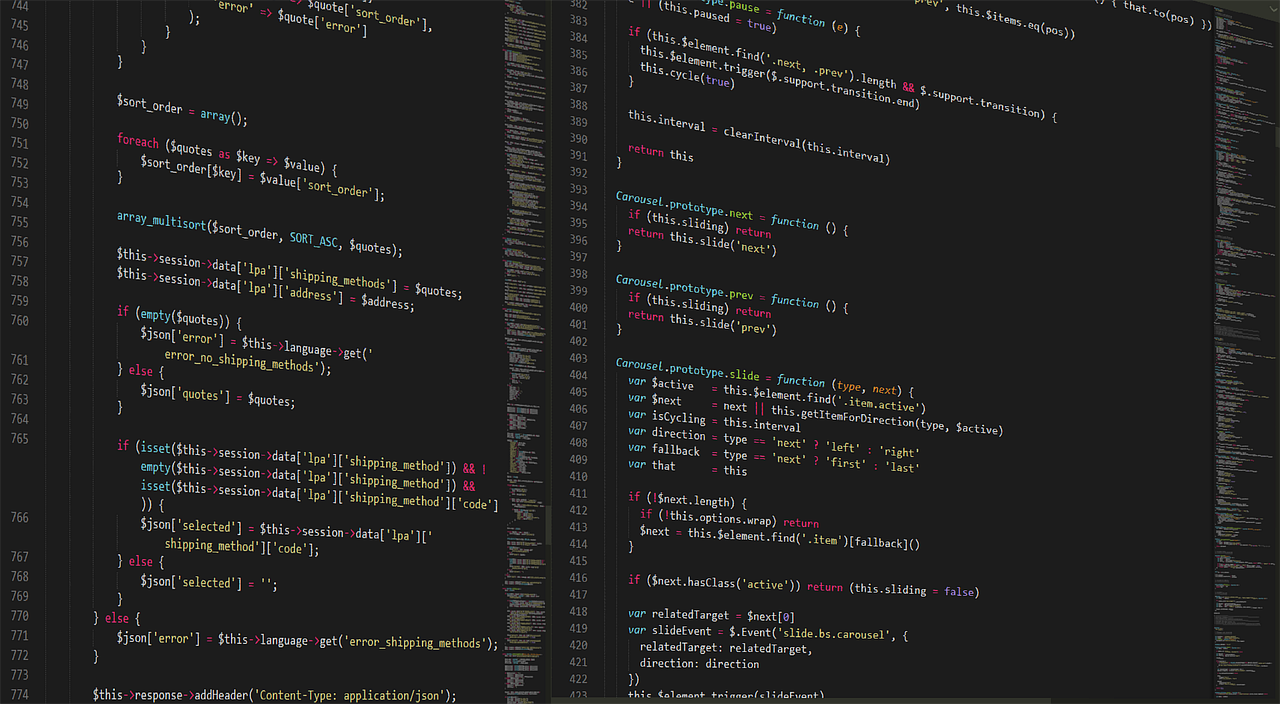
Cursor is not a chat assistant. It is a full code editor with AI built in. The for coding guide covers how it compares to standalone tools. But for personal coding projects, Cursor replaces half of Stack Overflow. You highlight a block and ask it to fix a bug. It edits the file directly. The editor understands your whole codebase, not just the open file. That context makes multi-file changes possible. Pricing at Cursor shows Pro at $20 per month after the free two-week trial. We used it to refactor a personal finance script and generate unit tests.
The main downside is that Cursor is useless outside code. You cannot ask it to draft a letter or plan a trip. It also limits premium model calls on Pro. Heavy users can burn through the monthly quota. But if you already write Python, JavaScript, or even small scripts, the value is huge. Cursor catches syntax errors and suggests tests as you type. Pair it with the best free AI agent guide to automate repetitive coding tasks. For email or writing, look elsewhere.
Key strengths:
- ✅ Native AI code editor with inline edits
- ✅ Taps both GPT-4o and Claude models
- ✅ Strong codebase context and multi-file changes
- ✅ Free two-week Pro trial
- ✅ Works with existing VS Code extensions
- ❌ Not useful for non-coding tasks
- ❌ Pro plan limits premium model calls
- ❌ Requires some developer knowledge
Who it’s for: Choose Cursor if you write or maintain code at home or work.
5. n8n, Best personal automation assistant
n8n is an automation platform, not a chatbot. It connects apps and runs workflows on a schedule. You drag nodes for Gmail, Google Calendar, Notion, and hundreds of services. The for automation guide shows common personal setups. I use n8n to forward important emails to Slack and back up attachments to Drive. The self-hosted community edition is free. Cloud pricing starts at €20 per month for 5 active workflows and 2,500 executions. That beats paying for multiple SaaS tools.
The challenge is the learning curve. Building a workflow takes longer than typing a prompt into ChatGPT. But once it runs, it runs forever without monthly credits. n8n also supports JavaScript blocks for custom logic. You can combine it with an LLM node to call ChatGPT or Claude for text processing. For a practical example, the best free AI agent article walks through a free tier setup. If you want a personal assistant that does tasks automatically, n8n is the pick.
Key strengths:
- ✅ Free self-hosted option with full workflow access
- ✅ Visual drag-and-drop builder
- ✅ 500+ integrations for email, calendar, and smart home
- ✅ Cloud plan from €20 per month with 5 active workflows
- ✅ JavaScript blocks for custom logic
- ❌ Steeper learning curve than chat assistants
- ❌ Cloud free tier is limited
- ❌ No built-in conversational assistant
Who it’s for: Choose n8n if you want to automate recurring personal tasks without coding.
Frequently Asked Questions
Which personal AI assistant is best overall in 2026?
ChatGPT Plus is the best general assistant for most people. It handles email, research, scheduling, and voice tasks well. Claude Pro wins for long documents and writing. Google Gemini is the strongest free option.
Is ChatGPT Plus worth $20 per month?
Yes, if you use AI daily. The $20 plan unlocks a 128K context window, priority access, and GPT-4o. The free tier works but limits advanced messages. Pay only if you hit those limits often.
Which AI assistant has the largest context window?
Google Gemini Advanced offers a 1 million token context window. Claude Pro has 200K tokens. ChatGPT Plus has 128K. Cursor depends on the model you select.
Can I use these personal AI assistants for free?
Yes. Gemini offers a 32K context window free. ChatGPT and Claude have limited free tiers. Cursor has a two-week Pro trial. n8n has a free self-hosted edition.
Is Cursor a good replacement for ChatGPT?
Only for coding tasks. Cursor is an AI code editor that fixes bugs and writes scripts. It cannot draft emails or plan trips. Use Cursor for code and ChatGPT or Claude for general tasks.
What is the best automation assistant for personal use?
n8n is the best personal automation tool. It connects over 500 apps and runs workflows on a schedule. The free self-hosted version is powerful. Cloud pricing starts at €20 per month.
What Should You Remember?
- ChatGPT Plus remains the safest paid general assistant for most people.
- Claude Pro wins for long documents and natural writing style.
- Google Gemini delivers the strongest free tier and native Google Workspace access.
- Cursor is the best coding-focused assistant if you write code.
- n8n automates personal workflows without per-prompt fees.
- Context windows range from 32K free to 1M on Gemini Advanced.
- Free tiers can cover basic tasks but paid plans give you access to advanced models and priority access.
This article is for general information only. AI tools, pricing tiers, and free limits change frequently, so verify current features and pricing on the vendor’s own site before committing. Some links may be affiliate links that support this site at no cost to you.